One shared view of your centre
Review lessons, bookings, riders, horses and payments without searching across different tools. Administrators and the wider team work from the same context.
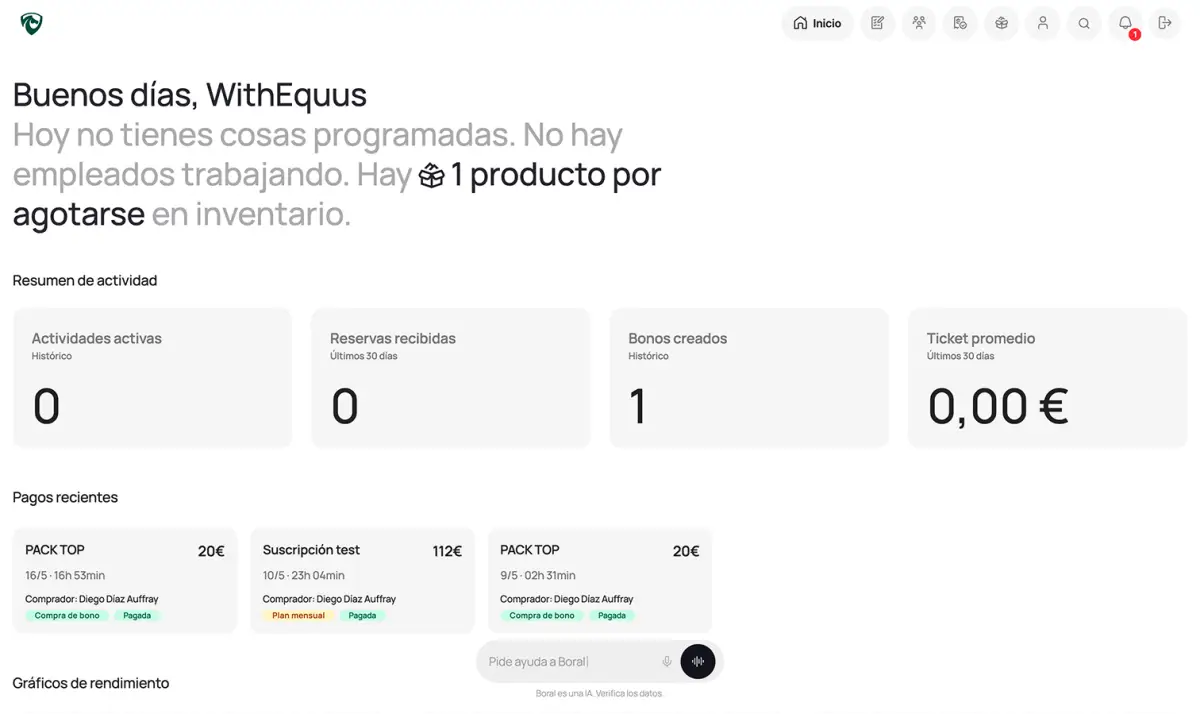
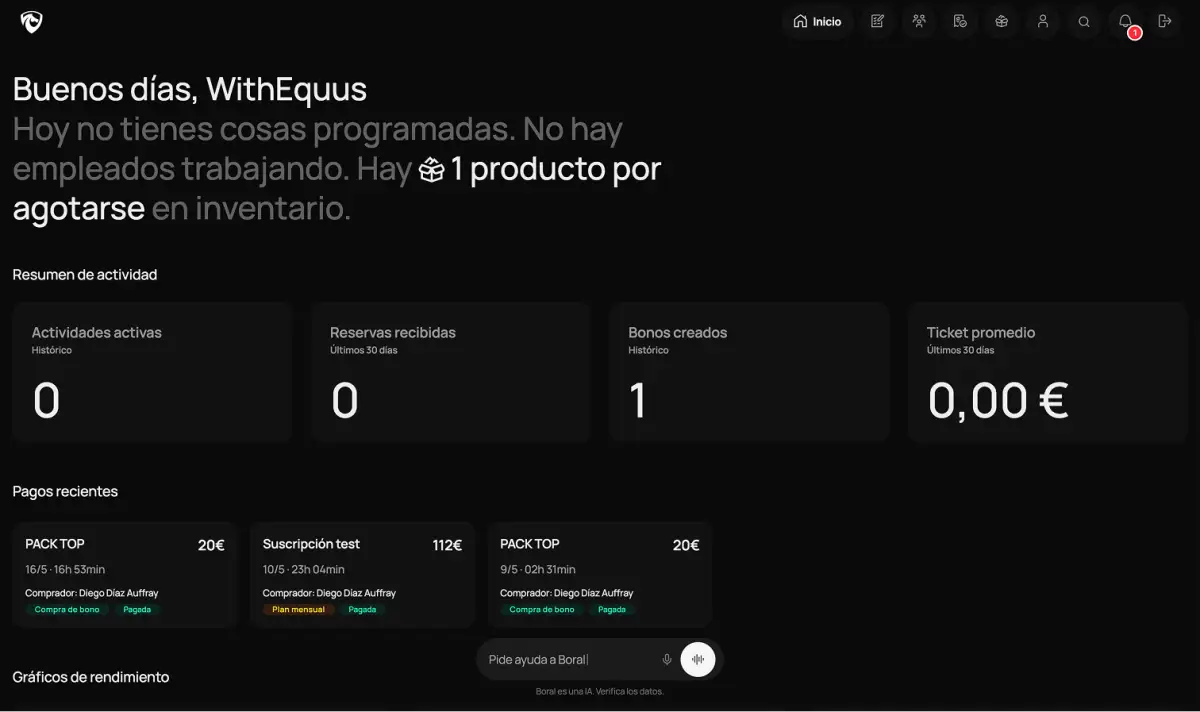

 Example data
Good morning, Lucía
Today you have 8 classes and 3 activities. There are 4 employees currently working. There are 2 products running low in your inventory.
Activity summary
Recent payments
Performance charts
Items with the lowest stock
Top-performing activities
Revenue distribution
Review lessons, bookings, riders, horses and payments without searching across different tools. Administrators and the wider team work from the same context.

Review instructors, horses and arenas when a lesson changes. A shared calendar helps the team spot clashes and coordinate the next action.
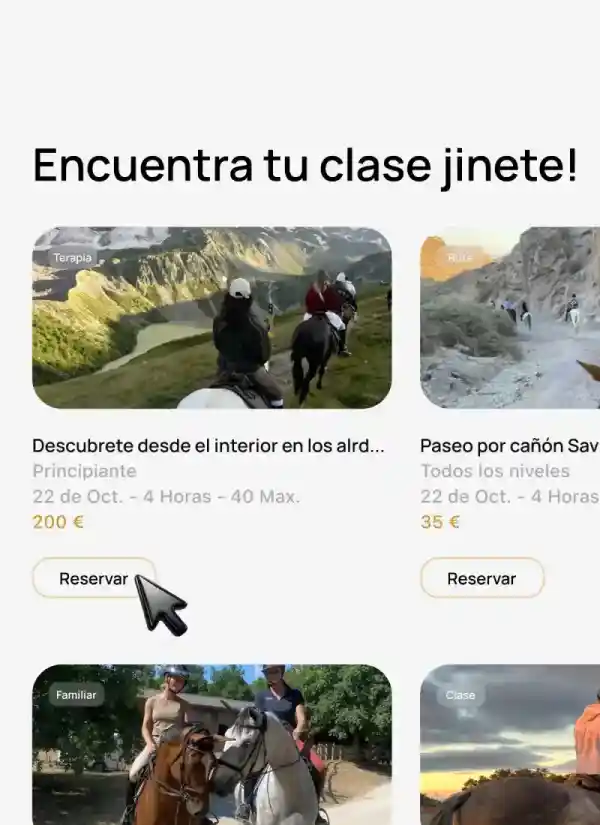
Publish activities so riders can discover them and review their options before booking. Customer discovery and centre operations stay better connected.
Review stock and movements from centre management. The team can work from the same information and check what it needs for the day.
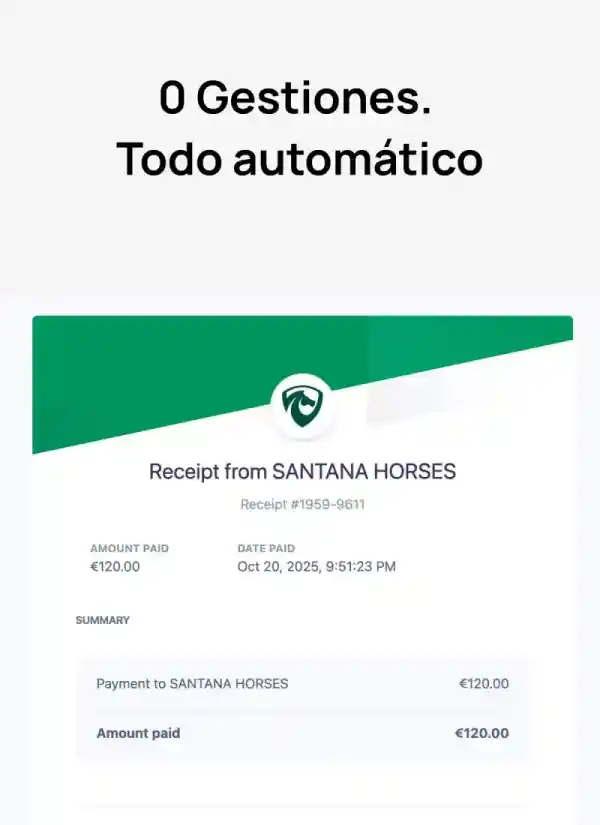
Review pass usage and expiry, memberships and payment requests. Whoever manages payments has the relevant history in one place.

Instructors, employees and riders use their own account and the functions available to their role. There is no need to share passwords to check schedules or work with riders.
We bring bookings, payments and schedules together so you can focus on what matters.
Bookings, payments, and vouchers scattered across notebooks, messages, and folders. Everything is separate. Nothing is connected.
One booking, several manual steps.
Every part of your centre, connected and organised. We centralise operations and keep your team aligned with up-to-date information.
One booking. Everything up to date.
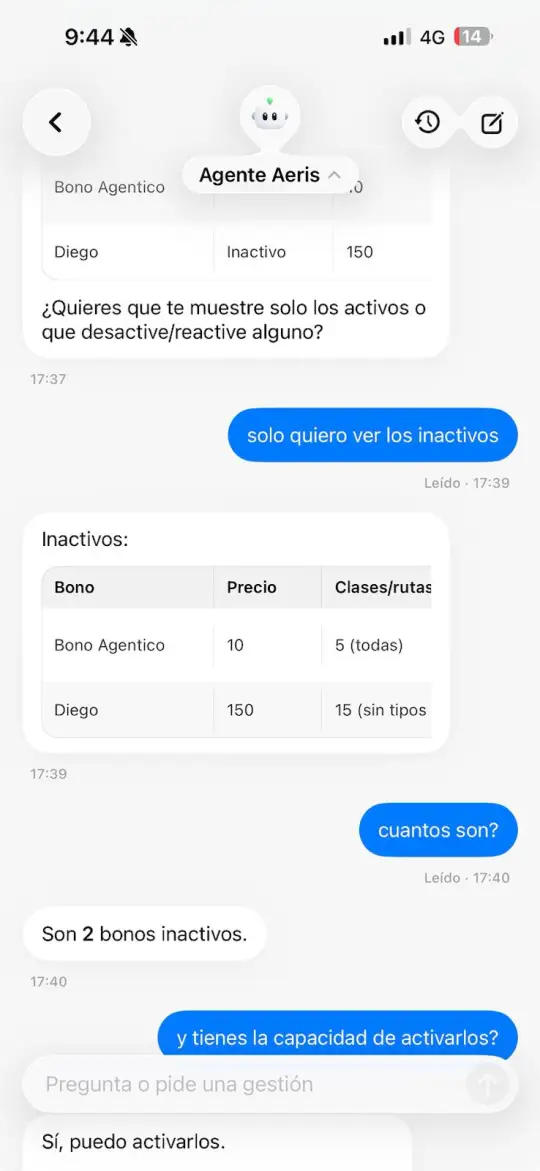
Organise passes, bookings and centre activity from one screen.
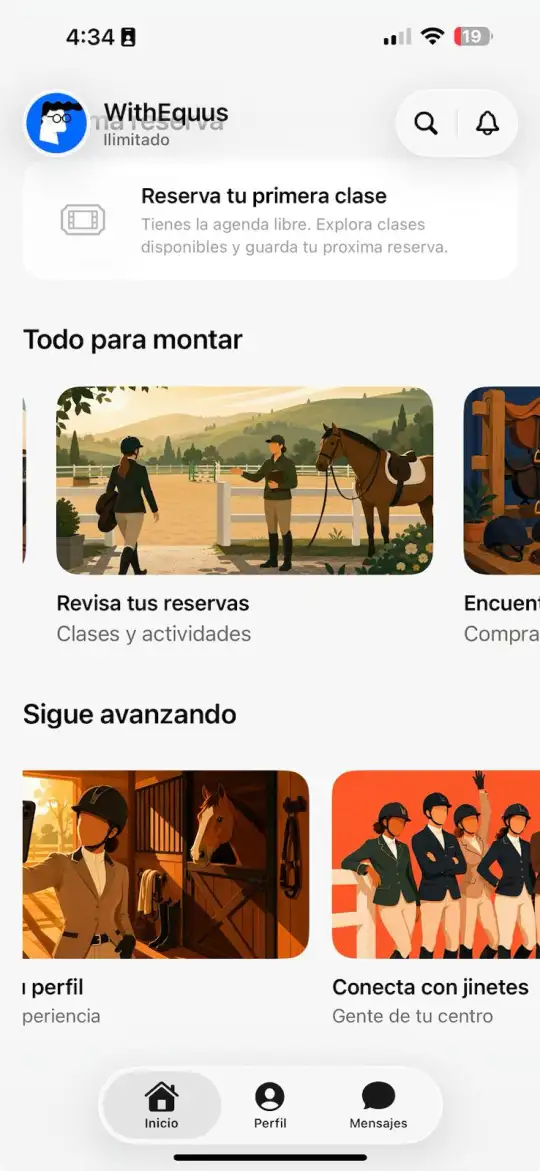
Social network, route tracking and integrated passes. Everything a rider needs in one app.
Bookings, scheduling, and payments in one place. Less manual admin in the day to day. More time for your centre and your team.
For riding centers
For independent instructors
€0/month, with no minimum term and no card required to create your account.
Start for €0 per month with no minimum term. Online payments through Stripe are optional; if a service fee applies, you will see and accept the terms before enabling them. See Terms & Conditions.
Clear answers for choosing how to manage bookings, lessons, riders, horses and payments at your equestrian centre.
It is a tool that brings the daily management of an equestrian centre into one place. Equestrian management software can help you organise lessons, bookings, riders, horses, instructors, passes and payments without splitting information across spreadsheets, paper and WhatsApp conversations.
Yes. You can organise activities and lessons, review bookings and coordinate the centre schedule. This reduces manual confirmations and gives administrators, instructors and riders a shared view.
Yes. You can centralise rider and instructor information, coordinate their activity and organise the horses involved in daily work. Each team accesses the information it needs from its own workspace.
You can control passes and memberships, review their use and manage online payments through Stripe. Payments and bookings stay connected, so you do not have to reconcile them across separate tools.
Yes. Riders have their own space to review bookings, activities and passes. This reduces repeated calls and messages and keeps information up to date for both sides.
No. The software runs in a browser and you can access it from a computer, tablet or mobile device with an internet connection. Your team works from the same information without maintaining separate installations.
Yes. You can create a free account or schedule a demonstration to review the features that fit your centre. Plans and their conditions are published on the pricing page.
Yes. An equestrian centre can coordinate its operation, team, lessons, horses and payments. An independent instructor can manage riders, schedules, passes and payment requests from a workspace adapted to their work.
You do not need to move everything at once or stop running your centre. In a demo, we review where you keep your information, what you need to retain and which area makes sense to set up first. You can then move schedules, riders, horses and payments in stages, checking each step before continuing. If you need a data import, confirm the supported format and scope with our team before you begin.
You can keep horse and owner information together with your centre's schedule, team and payments. Because every centre runs livery differently, in a demo we review the care, reminders and payments you need to manage and show you exactly what you can handle today.
Yes. Instructors, employees and riders use their own accounts and the functions available to their role. You do not need to share passwords to check the schedule or work with students. Review memberships and permissions when someone joins your centre and when they stop working with you.